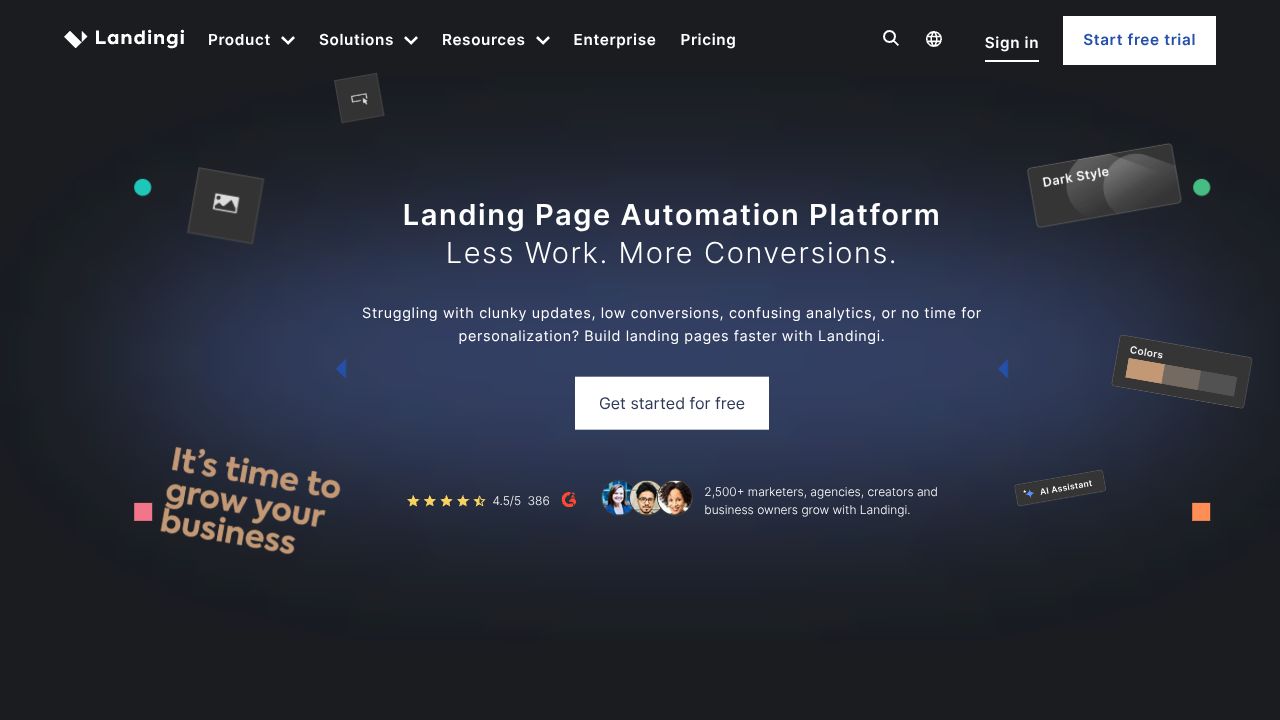
HOW TO BUILD HIGH-CONVERTING LANDING PAGES WITH LANDINGI
★Launch Global, Test Faster: Using Landingi’s In‑Builder AI to Ship Pages That Convert
In the next 7 minutes, you’ll go from blank canvas to a multi-language, A/B-tested SaaS landing page—without hiring a copywriter or translator. Landingi’s edge is simple: its AI works inside the builder, so you generate headlines, body copy, SEO metadata, and translations on the fly. Compared to tools that bolt AI on as a sidebar or force copy/paste ping‑pong, Landingi keeps you in flow. For budget-conscious startups and international marketers, that means speed, consistency, and measurable outcomes. I’ve seen teams cut first‑draft build time by 60%—that’s a real Quality Pick in a market drowning in slop.
★Step 1: Set Up Once, Launch Often
- Create your account: Start free at landingi.com. Paid plans begin at $29/mo if you need more pages, A/B testing breadth, or custom domains.
- Pick a template: Choose a SaaS-specific template (pricing page, feature launch, waitlist). Prioritize mobile-first layouts.
- Name your page and goal: Define a single conversion event (demo request, trial signup). This clarity will drive your AI prompts and A/B tests.
- Connect integrations: Hook forms to your CRM/ESP via native integrations or Zapier/webhooks. Map fields now to avoid dirty data later.
- Domain and tracking: Use a custom domain on paid plans. Add your analytics/ads pixels before your first A/B test to keep data clean.
★Step 2: Core Features You’ll Actually Use
- AI Copy Assistant (inside the builder)
- Highlight a section (hero, features, CTA) → Generate. Set tone (e.g., “confident,” “friendly”) and length (short for headers, medium for body).
- Practical example: Prompt “Headline for AI bug triage tool, value = cut MTTR by 40%, audience = DevOps leaders, tone = authoritative.” Iterate fast.
- Auto-Translate (35+ languages)
- Duplicate your page → Translate → Review. Use it to ship localized MVPs in hours, then have a native speaker refine mission-critical markets.
- Tip: Keep CTAs action-oriented; literal translations often blunt urgency.
- A/B Testing
- Define your primary goal (form submit). Test one variable at a time: headline vs. value prop, short vs. long form, proof placement.
- Let tests run to at least one full business cycle (7–14 days) and 250+ conversions per variant before calling winners.
- SEO Tools
- Generate page title, meta description, and section headers with AI. Include your primary keyword and a benefit.
- Example: “AI incident response platform — Resolve 40% faster | Free Trial” and a crisp, benefit-led meta description.
- Template Library
- Start with a conversion‑oriented layout. Replace stock imagery with product UI and real logos (with permission) to boost credibility.
★Step 3: Pro Tips for SaaS Professionals
- Build Quality Analysis: Map copy to jobs-to-be-done
- Structure: Pain → Outcome → Proof → CTA. Use AI to create 3 variations, then keep the one that matches your ICP’s language.
- International rollout playbook
- Base in English → AI translate → Human review top 3 markets → Localize pricing displays, date formats, and examples.
- Experiment backlog discipline
- Queue 5 tests: headline, risk-reversal line, social proof block, CTA microcopy, form length. Run them sequentially per audience segment to avoid cross‑polluted data.
- Slop Alert
- Don’t ship AI verbatim. Use it for first drafts and structure, then tighten claims and add real metrics. Hallucinated benefits will tank trust and trials.
★Common Mistakes to Avoid
- One-page-to-rule-them-all
- Fix: Create variants per segment (founders vs. security leaders) and route traffic with targeted ads/UTMs.
- Premature A/B victory laps
- Fix: Wait for stable traffic, a full business cycle, and statistical confidence. Small sample sizes lie.
- Translation ≠ Localization
- Fix: Review tone, idioms, and regulatory phrasing. Keep brand names, product terms, and CTAs consistent across locales.
★How It Compares to Alternatives
From what I’ve seen across dozens of teams:
- Unbounce: Excellent testing features and Smart Traffic; pricier. Landingi wins on budget and built‑in translation for global campaigns.
- Instapage: Best-in-class collaboration and ad-to-page mapping for big budgets. Landingi is the scrappy, fast mover with AI-in-builder advantages.
- Leadpages: Affordable and simple, but lacks native multi-language AI. Landingi is a Premium Alternative when you need rapid localization.
- Webflow: Unmatched design control but a steeper learning curve and slower time-to-test. Landingi’s templates + AI are faster for GTM teams.
★Conclusion: Is Landingi Right for You?
If you’re a startup or global marketer who needs to ship conversion-ready pages quickly, Landingi is a Quality Pick. The in‑builder AI for copy, SEO, and translation shortens the path from concept to learnings, and the free tier makes it easy to test. If you require pixel-perfect custom design or enterprise ad-routing features, look at the higher-end players. Otherwise, for speed, cost control, and international reach, Landingi earns a spot in your stack. In my 15 years, few tools balance velocity and quality this well—use it to out-ship competitors drowning in mediocrity.
✨ END OF BROADCAST ✨
🚀 READY TO EXPERIENCE THE FUTURE?
VISIT LANDINGI →